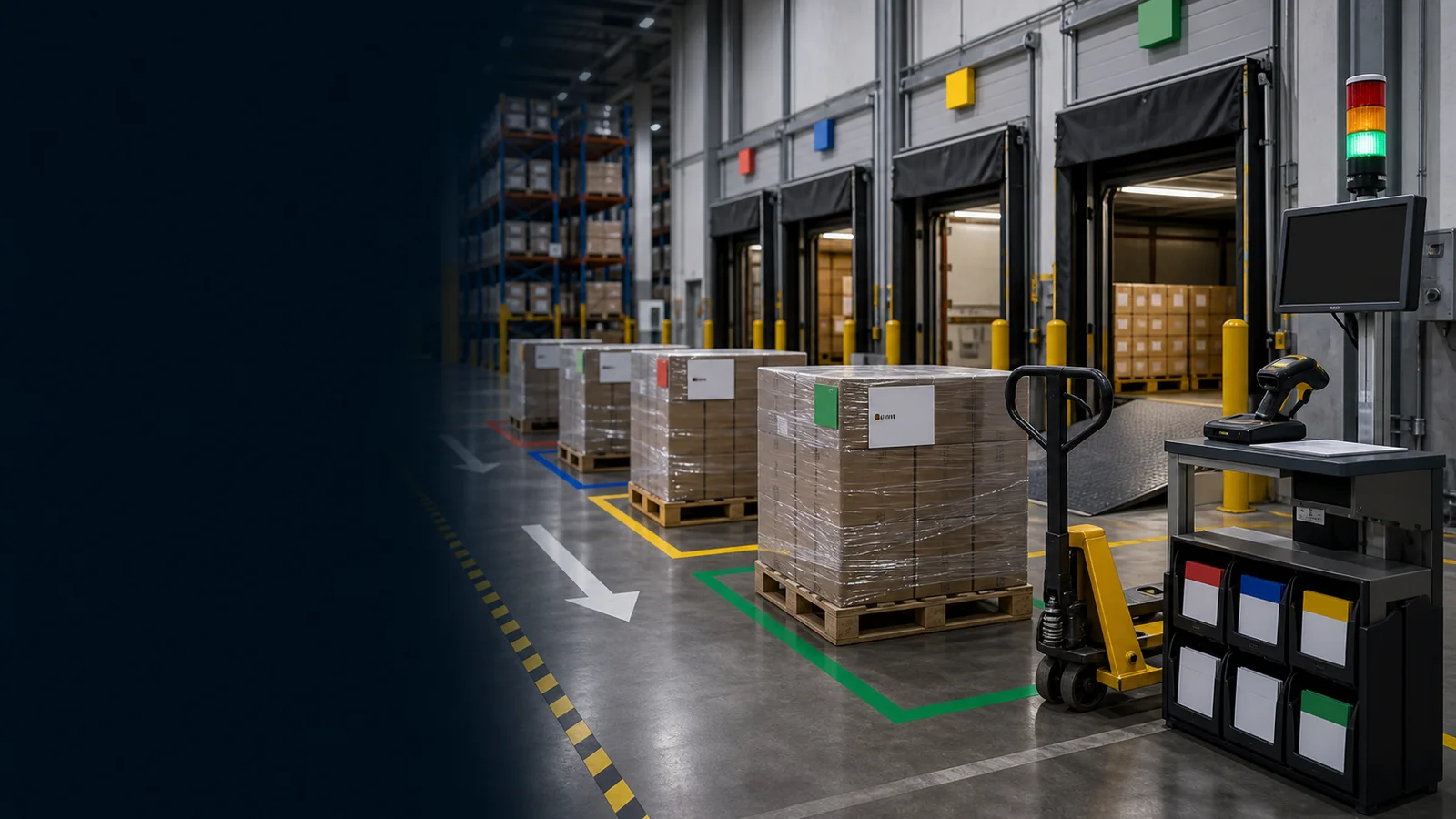
Framework Detail
Each pillar below combines a clear intent with practical checks. Use the intent paragraph to explain the standard, then use the checks as audit points, training prompts, or action-plan inputs.
Profile pallet movement velocity and define the end-to-end outbound flow from pack to gate.
In practice, this means leaders should verify visible standards, assign ownership, remove blockers, and confirm that the team can repeat the expected behavior without additional explanation.
- Compute pallet velocity classes (A/B/C) from 4–12 weeks of outbound
- Set dwell targets by class (e.g., A ≤ 4h, B ≤ 24h, C ≤ 72h)
- Map flow: pack exit → staging lane → dock door sequence
- Define hot order path with clear priority handling
- Publish a one-page flow with responsibilities per role
- Review velocity profile weekly and adjust as needed
Size the area and lane count to the velocity mix, route mix, and cutoff windows.
In practice, this means leaders should verify visible standards, assign ownership, remove blockers, and confirm that the team can repeat the expected behavior without additional explanation.
- Forecast expected lane depth per class by hour to cutoff
- Quantify carrier/route variability and late changes
- Identify special constraints (temperature, HAZ, height, oversize)
- Estimate travel distance from pack exits to lanes and to docks
- Validate forklift availability and paths for peaks
- Confirm contingency for surge and carrier delays
Write grouping and placement rules so the system guides the operator.
In practice, this means leaders should verify visible standards, assign ownership, remove blockers, and confirm that the team can repeat the expected behavior without additional explanation.
- Group by wave, carrier, route; apply family/temperature where relevant
- Define “no-mix” rules (customer, HAZ, QA) at lane/bay level
- Codify placement rules in WMS with scan validation
- Set lane capacity: max pallets/height and blocked adjacent zones if needed
- Create exception rules for oversize/returns/hold
- Document rule precedence when conditions conflict
Give operators precise guidance with devices, labels, and live boards.
In practice, this means leaders should verify visible standards, assign ownership, remove blockers, and confirm that the team can repeat the expected behavior without additional explanation.
- Enforce scan on lane in/out (barcode or RFID) with audible feedback
- Auto-print lane labels with class and cutoff color band
- Provide a “Pack & Hold Board” showing lanes, dwell, countdown to cutoff
- Surface load sequence lists at docks with scan checks at door
- Show nearest valid lane suggestion on RF device
- Set alerting for dwell breaches or lane full
Design movement and access to reduce cross-traffic and incidents.
In practice, this means leaders should verify visible standards, assign ownership, remove blockers, and confirm that the team can repeat the expected behavior without additional explanation.
- Define forklift travel paths and no-go zones to avoid crossing flows
- Mark pedestrian aisles and turning radii near lanes and docks
- Set PPE and load height standards for staging moves
- Validate visual sightlines for timers and lane IDs at driver height
- Add blocked-lane indicators and safe overflow procedure
- Drill emergency clear path from staging to exit routes
Hit cutoff times with fewer touches using system-driven sequencing.
In practice, this means leaders should verify visible standards, assign ownership, remove blockers, and confirm that the team can repeat the expected behavior without additional explanation.
- Sequence release by cutoff, carrier, and wave; display countdown timers
- Enable hot-lane bypass with notifications to pack/dock leads
- Balance staging early vs. consolidation risk with on-screen prompts
- Trigger pack station replenishment from lane depth thresholds
- Validate door assignment before release with scan-to-door
- Record release confirmation at dock with time stamp
Reset the area and keep signals clean between shifts.
In practice, this means leaders should verify visible standards, assign ownership, remove blockers, and confirm that the team can repeat the expected behavior without additional explanation.
- Daily lane reset: reconcile exceptions and relabel where needed
- Device check: printers, scanners, RF units, boards at shift start
- Purge stale staged pallets older than dwell target with reason code
- Maintain a shared contact roster for dock/pack/planning
- Post quick visual standards for lane conditions (clear, full, blocked)
- Log top mis-slot causes and remediate within the week
Make the WMS the source of truth; extend with focused add-ons.
In practice, this means leaders should verify visible standards, assign ownership, remove blockers, and confirm that the team can repeat the expected behavior without additional explanation.
- Implement APIs/events for status changes (staged, released, loaded)
- Standardize master data (SKU, UoM, locations, carrier codes)
- Enable SSO and role-based access aligned to shopfloor roles
- Provide staging-focused WMS views for leads and planners
- Version and monitor add-ons; set SLAs and escalation paths
- Maintain test/stage with production-like data for changes
Prove performance and keep improving based on facts.
In practice, this means leaders should verify visible standards, assign ownership, remove blockers, and confirm that the team can repeat the expected behavior without additional explanation.
- Track dwell by class/lane; publish breaches with reasons
- Measure touches per pallet from pack to gate
- Monitor mis-slot rate and scan compliance
- Report stage-to-load yield (% staged that ship same wave/day)
- Check on-time-to-cutoff readiness and door departure punctuality
- Share outcomes per shift and adjust targets quarterly